next-yak is now @yak/react
· The yak team · 7 min read
Why next-yak became @yak/react, and how to migrate.
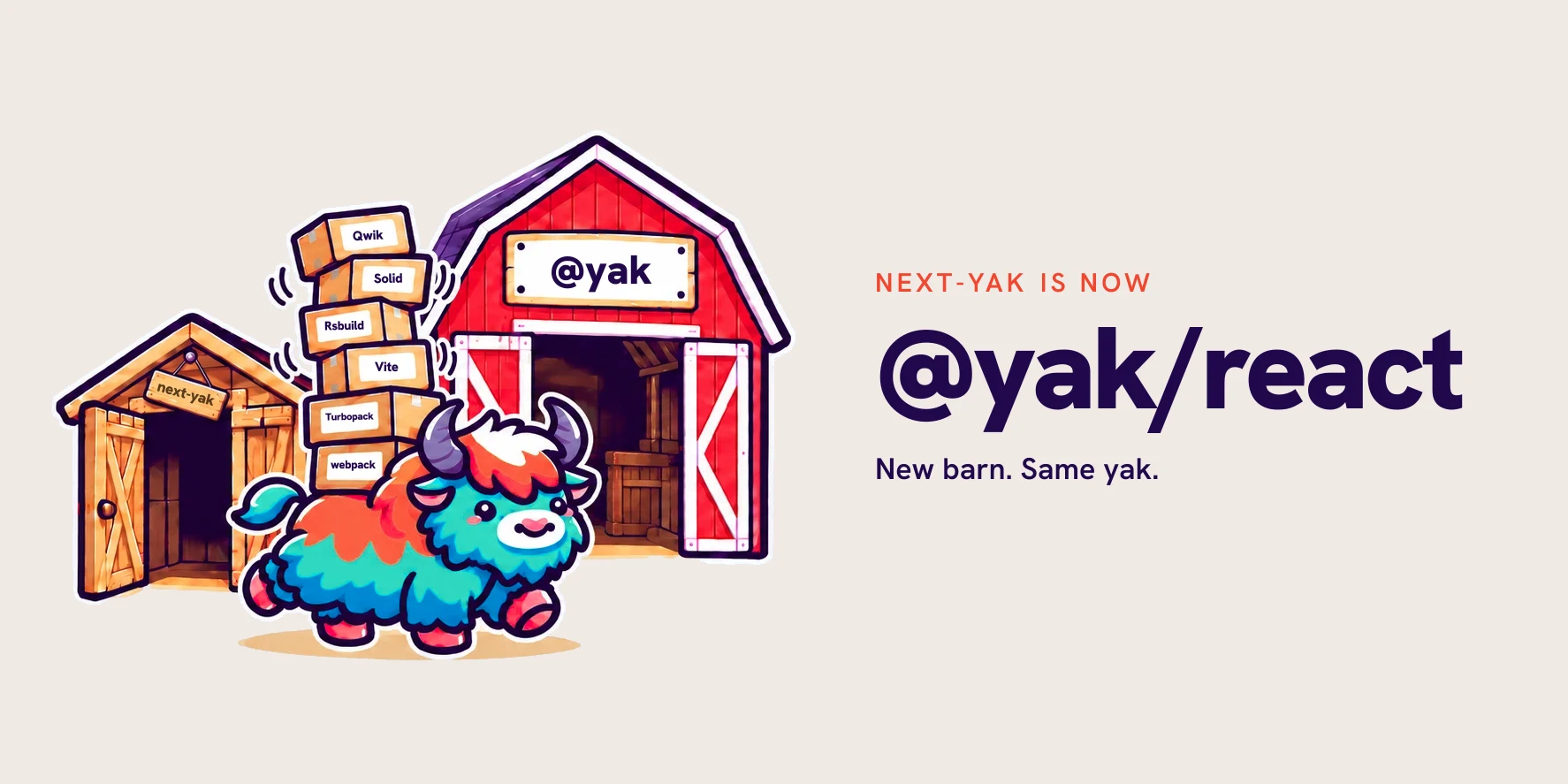
next-yak is now @yak/react, and all other yak packages move to the @yak scope. New
barn. Same yak. The team and the API stay the same, and the new name finally fits a yak that
runs on many bundlers and frameworks, not only on Next.js.
What is renamed
| Old package | New package | Works with |
|---|---|---|
next-yak | @yak/react | webpack, Turbopack, Vite, Rsbuild |
eslint-plugin-yak | @yak/eslint-plugin | ESLint, Oxlint |
storybook-addon-yak | @yak/storybook | Storybook with webpack or Vite |
yak-swc | @yak/swc | The SWC plugin behind all of them |
@yak/solid | @yak/solid | Already in the scope. No change. |
@yak/qwik | @yak/qwik | Coming soon |
next-yak 9.x gets bug fixes until the end of 2026. After that, all work happens in
@yak/react 10. The old packages are deprecated on npm and point to the new names.
Jump to the migration steps.
Why the rename
Some of the first yak code came to life on a conference floor in Berlin. We had problems with
styled-components in our Next.js app and wanted to try one idea: move the CSS out of the
JavaScript at build time. Between the hotel lobby and the floor of the venue, the proof of concept
came together. It worked in a small Next.js setup, and that was enough to keep going.
Naming things is hard, so for a while the project was just yacijs, short for "yet another
CSS-in-JS solution". Finding a real name turned into a small yak shave of its own. The whole
team brainstormed, and next-yak won: close to yacijs, honest about being Next.js first, and
a tribute to the yak shaving behind it.
Then the yak started to grow:
- Turbopack We talked with the Turbopack team, especially Tobias Koppers, about how yak could fit in. We found a way, reported a few issues along the road, and the team fixed them.
- Vite With Turbopack done, Vite was a short walk. We talked in the Vite Discord about the best way to build our plugin, and the same SWC plugin ran in a second bundler.
- Rsbuild and Storybook Both came naturally and needed only a little work.
- Solid Ryan Carniato, the creator of Solid, helped us a lot to get
@yak/solidright. - Qwik The Qwik team is fixing the issues we reported, and
@yak/qwikis coming soon.
The plan was simple. We wanted to be the best replacement for styled-components in Next.js. yak did that and kept going, but the name did not keep up. New users saw "next" and assumed that yak was not for their Vite app.
The obvious new name was yak, but on npm it looked squatted. We asked npm support about it, and luckily, they gave it to us once we explained why we needed it. Thank you, npm!
How to migrate from next-yak to @yak/react
The API does not change. styled, css, keyframes, globalStyle and the css prop work the same, and only the steps below change. @yak/react 10 needs Node.js 22.18 or later, and with Next.js it needs version 16.4 or later. The migration guide in the docs has the same steps and stays up to date.
1. Replace the packages
Remove the old packages and install the new ones:
npm uninstall next-yak eslint-plugin-yak storybook-addon-yak
npm install @yak/react
npm install -D @yak/eslint-plugin @yak/storybook
Only install the packages you used before. If you have yak-swc as a direct dependency,
replace it with @yak/swc.
2. Update the imports
Replace every next-yak import with @yak/react. The subpaths stay the same:
import { styled, css } from "next-yak";
import { styled, css } from "@yak/react";

import { withYak } from "next-yak/withYak";
import { withYak } from "@yak/react/withYak";

import { viteYak } from "next-yak/vite";
import { viteYak } from "@yak/react/vite";

import { pluginYak } from "next-yak/rsbuild";
import { pluginYak } from "@yak/react/rsbuild";

import { getYakThemeContext } from "next-yak/context/baseContext";
import { getYakThemeContext } from "@yak/react/context/baseContext";
Search the whole project, not only the source files: package.json, the TypeScript paths,
the Storybook config, the Jest config, and all the others you might have.
@yak/swc only transforms imports from the new package names. If one file still imports from next-yak, that file is not compiled, and its styles do not show.
3. Update the theme type
If you add types to the theme, the module declaration needs the new name too:
declare module "next-yak" {
declare module "@yak/react" {
  export interface YakTheme {
    color: string;
  }
}
This one is easy to miss, because TypeScript won't complain about the old name. The declaration stops applying,
which leaves the theme type empty and theme.color untyped.
4. Update the JSX import source
If you use the css prop, point the JSX import source in tsconfig.json to the new package:
{
  "compilerOptions": {
    "jsxImportSource": "next-yak"
    "jsxImportSource": "@yak/react"
  }
}
Files that set the JSX import source with a pragma need the same change:
/** @jsxImportSource next-yak */
/** @jsxImportSource @yak/react */
5. Update the options
We removed experiments.transpilationMode and experiments.suppressDeprecationWarnings, and experiments.debug moves to debug:
export default withYak(
  {
    experiments: {
      transpilationMode: "Css",
      suppressDeprecationWarnings: true,
      debug: true,
    },
    debug: true,
  },
  nextConfig,
);
The Vite and Rsbuild plugins take the same options.
6. Remove the :global() wrappers
yak now always compiles to plain CSS. In v9, the Next.js webpack setup compiled to CSS
Modules, and you needed :global() to escape the local scope. That wrapper was deprecated in v9 and @yak/react does not support it any more. Remove the wrapper and keep the selector:
const Wrapper = styled.div`
  :global(.external-class) {
  .external-class {
    color: red;
  }
`;
7. Update the lint config
The rule css-global-deprecated is gone, because :global() is gone. Remove it from your
config. The prefix of all other rules changes to @yak/.
For ESLint:
import yakPlugin from "eslint-plugin-yak";
import yakPlugin from "@yak/eslint-plugin";
import { defineConfig } from "eslint/config";

export default defineConfig([yakPlugin.configs.recommended]);
For Oxlint:
{
  "jsPlugins": ["eslint-plugin-yak"],
  "jsPlugins": ["@yak/eslint-plugin"],
  "rules": {
    "yak/css-nesting-operator": "error",
    "yak/css-global-deprecated": "warn",
    "yak/enforce-semicolon": "error",
    "yak/style-conditions": "warn",
    "@yak/css-nesting-operator": "error",
    "@yak/enforce-semicolon": "error",
    "@yak/style-conditions": "warn"
  }
}
If you use custom rule names in ESLint, change yak/ to @yak/ there too.
8. Update Storybook
const config = {
  addons: [
    "storybook-addon-yak",
    "@yak/storybook",
  ],
};
9. Jest with next/jest
@yak/react is ESM only. If you use next/jest, add @yak/react to transpilePackages in your Next.js config. Then Jest can load it:
const nextConfig = {
  transpilePackages: ["@yak/react"],
};
Then start the dev server and check that your styles show. If something breaks, open an issue. We want to know.
What else is new
The yak got a haircut. The site has new documentation, a new look and this blog. The project is more grown up now, but it still likes to play.
The best toy is the new iteration of our playground. Type a styled component and see what yak makes of it: the CSS, the JavaScript, and the folded output. As a bonus, it now shows @yak/solid too.
What stays the same
The team stays the same. We still build and maintain every yak package, and we still look at new frameworks and bundlers. (Parcel v3, we see you. 👀)
yak is possible because of our employer, Digitec Galaxus. Thank you for the time to work on this project.
Bug, idea, or a question? Open an issue on GitHub, or talk to us directly:
FAQ
Is next-yak deprecated?
Yes. next-yak is deprecated in favor of @yak/react, and 9.x is its last version.
Does next-yak still get updates?
next-yak 9.x gets bug fixes until the end of 2026. New features ship only in @yak/react.
Is @yak/react a drop-in replacement for next-yak?
Almost. The API is the same. You change the imports, remove :global() wrappers and update a
few options. The migration steps and the migration guide show all of it.
Does @yak/react only work with Next.js?
No. @yak/react works with Next.js (webpack and Turbopack), Vite and Rsbuild.
Is the GitHub repository renamed too?
Yes. DigitecGalaxus/next-yak moves to the galaxuslabs organization and is now
galaxuslabs/yak. GitHub redirects the old links, so
your bookmarks and stars keep working.
What about Solid?
@yak/solid keeps its name, as it's already in the new naming scheme.